Table of contents
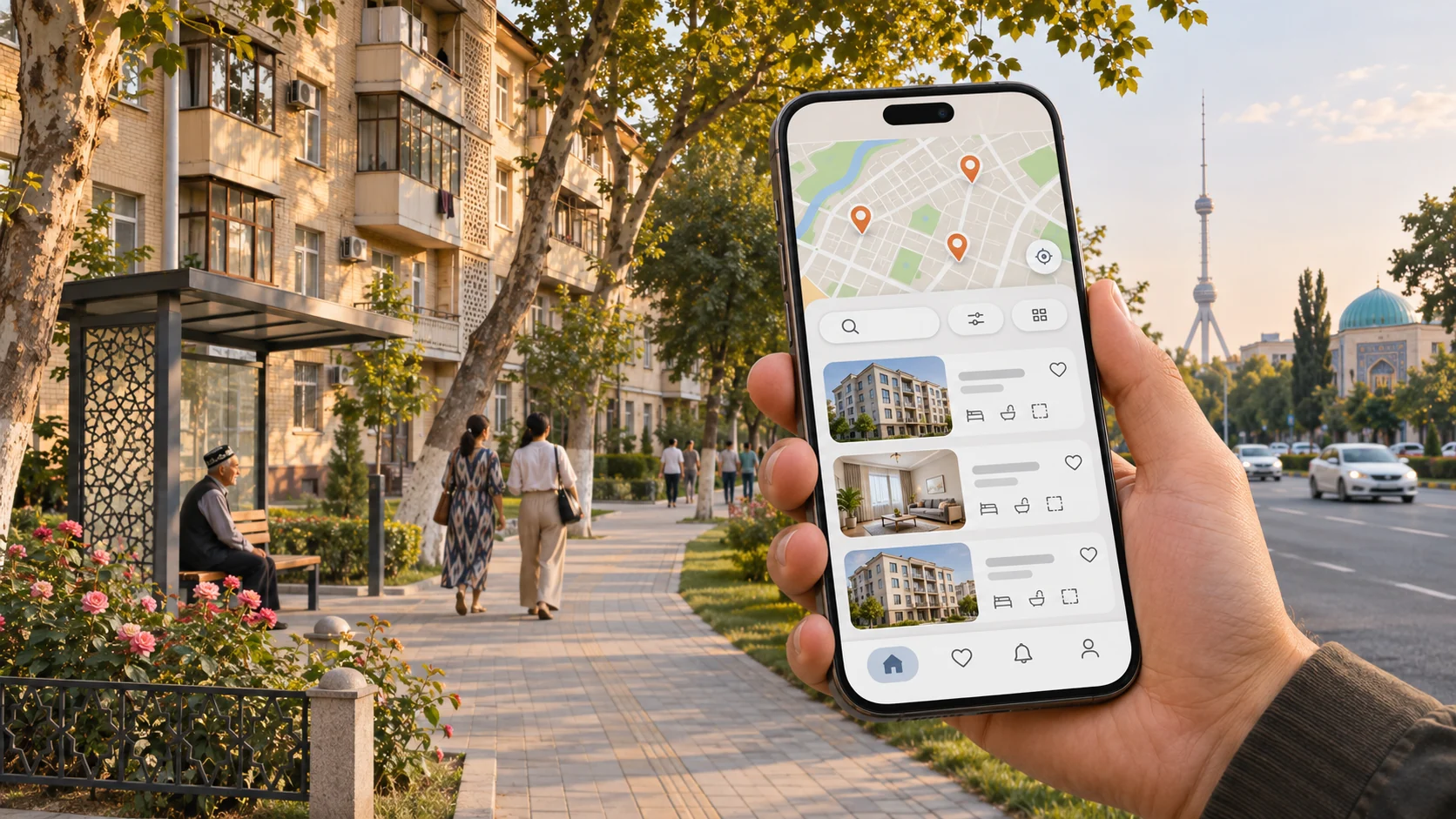
We’ve released the UY TUT app for Android. Finding a home rarely happens in one sitting. You browse listings today, return to a few tomorrow, check the neighborhood and arrange a viewing. The app keeps those steps together.
Search on your terms
Choose sale or rent, then set the property type, district, price and area. The map shows where a home is and what is nearby. It can help you rule out places that are too far from where you need to be. Confirm the exact address and details with the listing author.
Save the listings you like
Add promising homes to your favorites. Sign in with the same UY TUT account you use on the website and your saved list will be available in both places. You can come back later and compare size, floor, condition, neighborhood and price without searching for the listings again.
Ask the seller directly
The listing card has the seller’s phone number and chat. Before arranging a viewing, check that the home is still available and the price hasn’t changed. Ask the seller about the condition, documents and terms of the deal.
Get the app
The Android app is available as an APK on the UY TUT app page, along with installation instructions. The iPhone version will follow. If you’d rather not install an app, you can still browse listings on the UY TUT website.